Why you need geolocation photos
If you take a photo of a car and want to take these photos as evidence:
1. Take large-scale photos, click here
2. Take a photo with geolocation switched on, then each photo will take your location and correct address.
How to swich on iOS
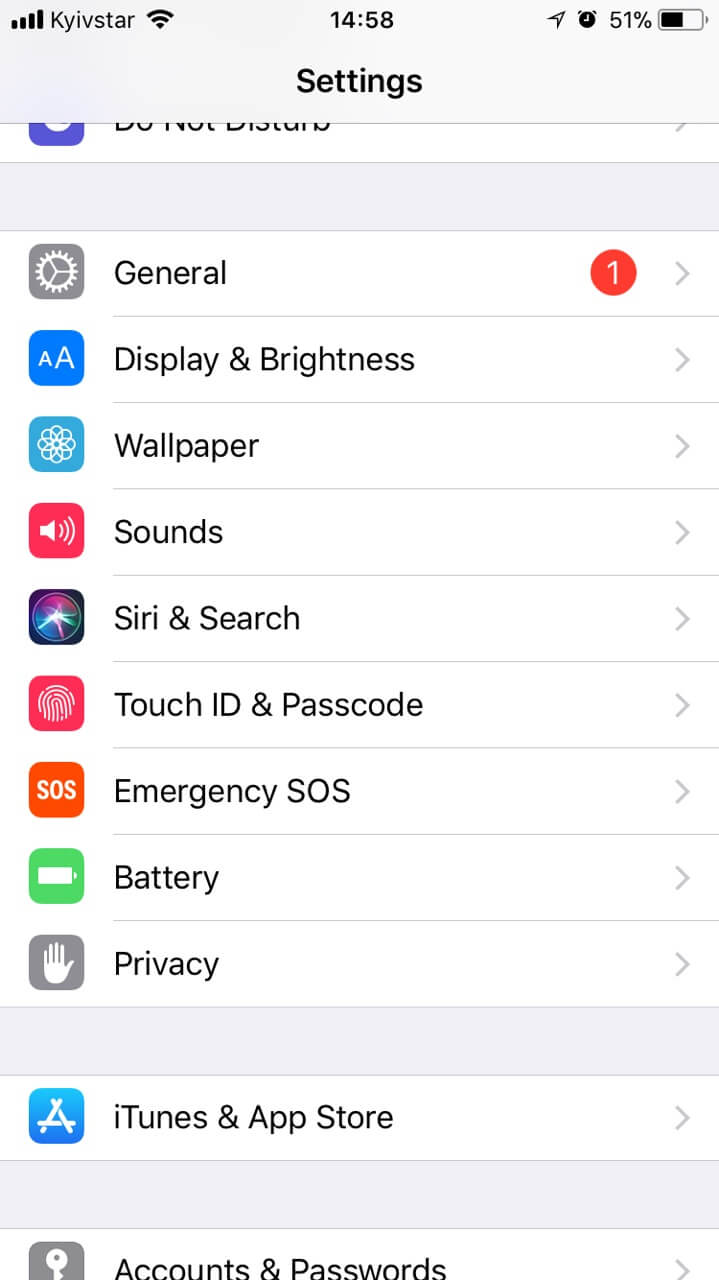
Go to Settings on your phone, select Privacy
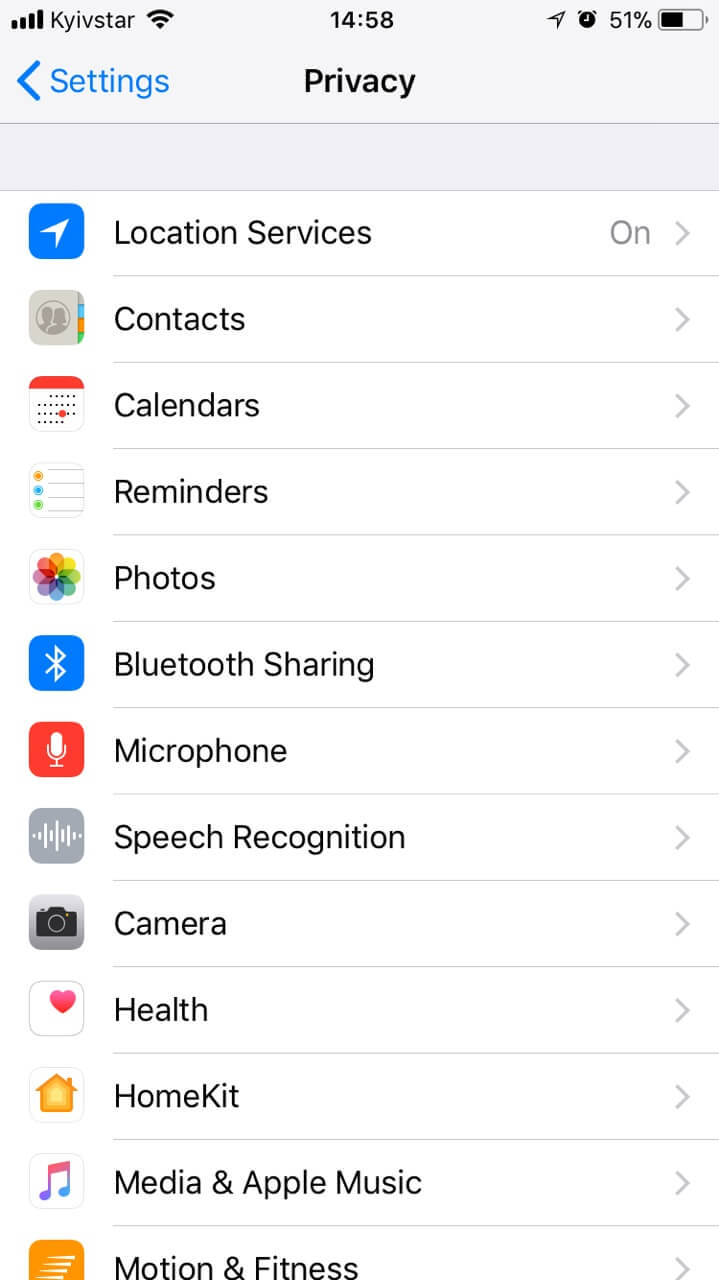
Next choose Location Services
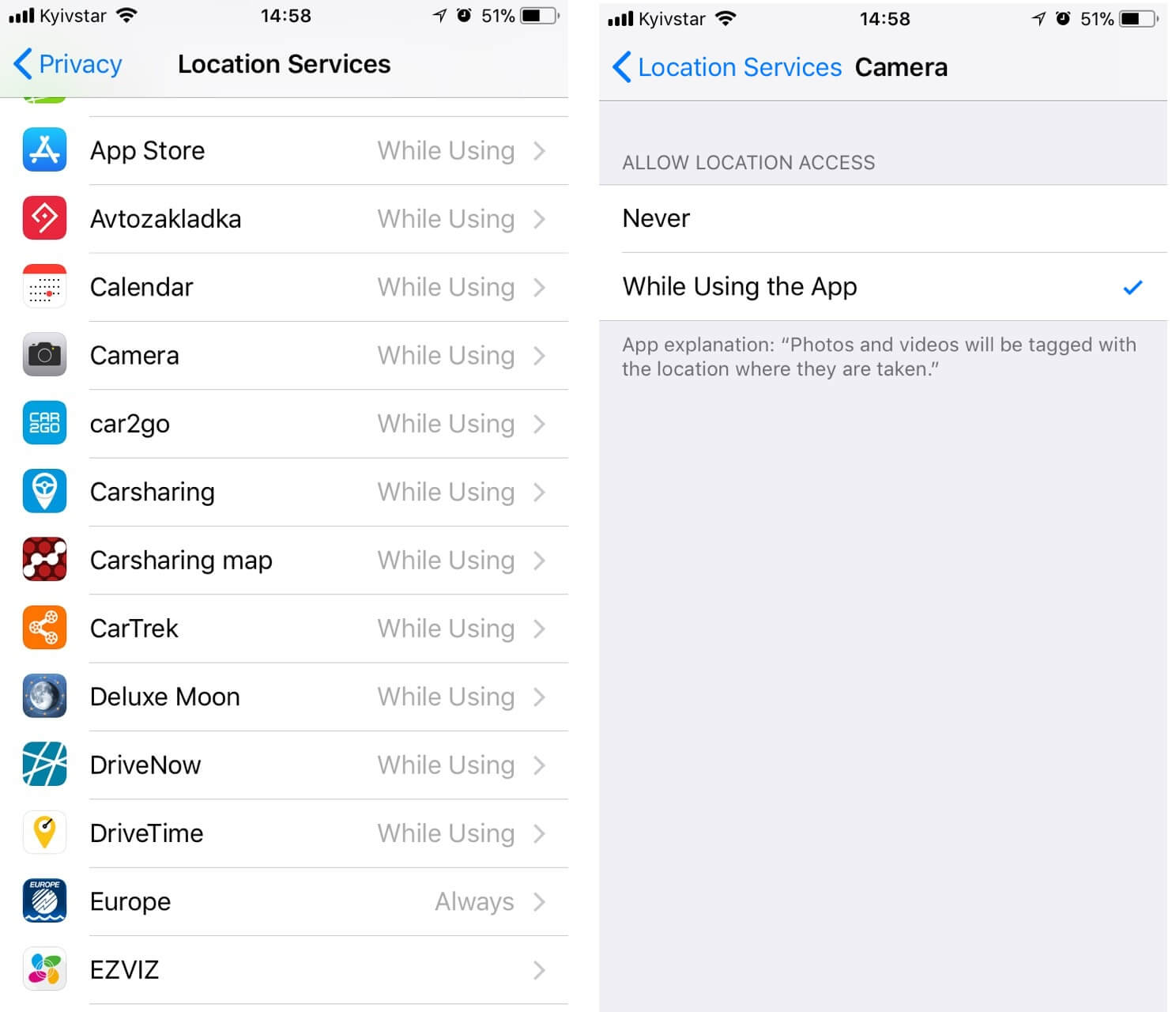
Turn on the button geolocation on the camera, now all the photos will be marked in which place you made them.
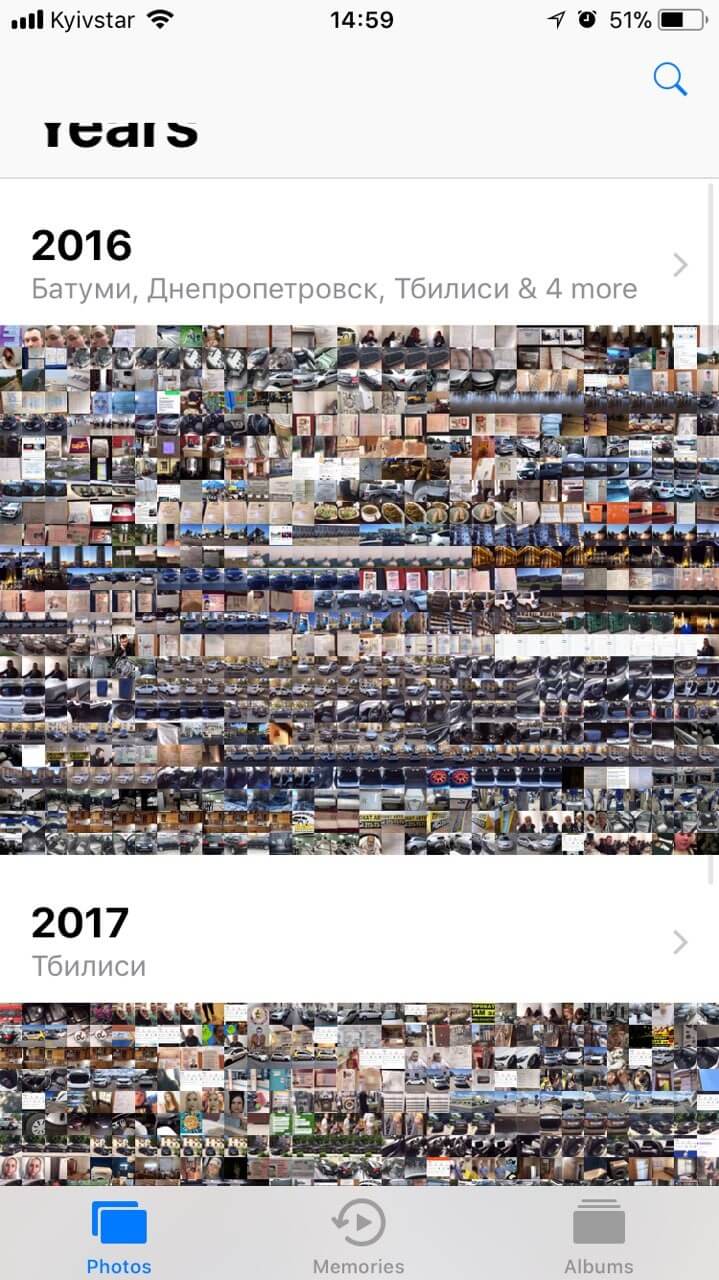
That's how it looks in the album
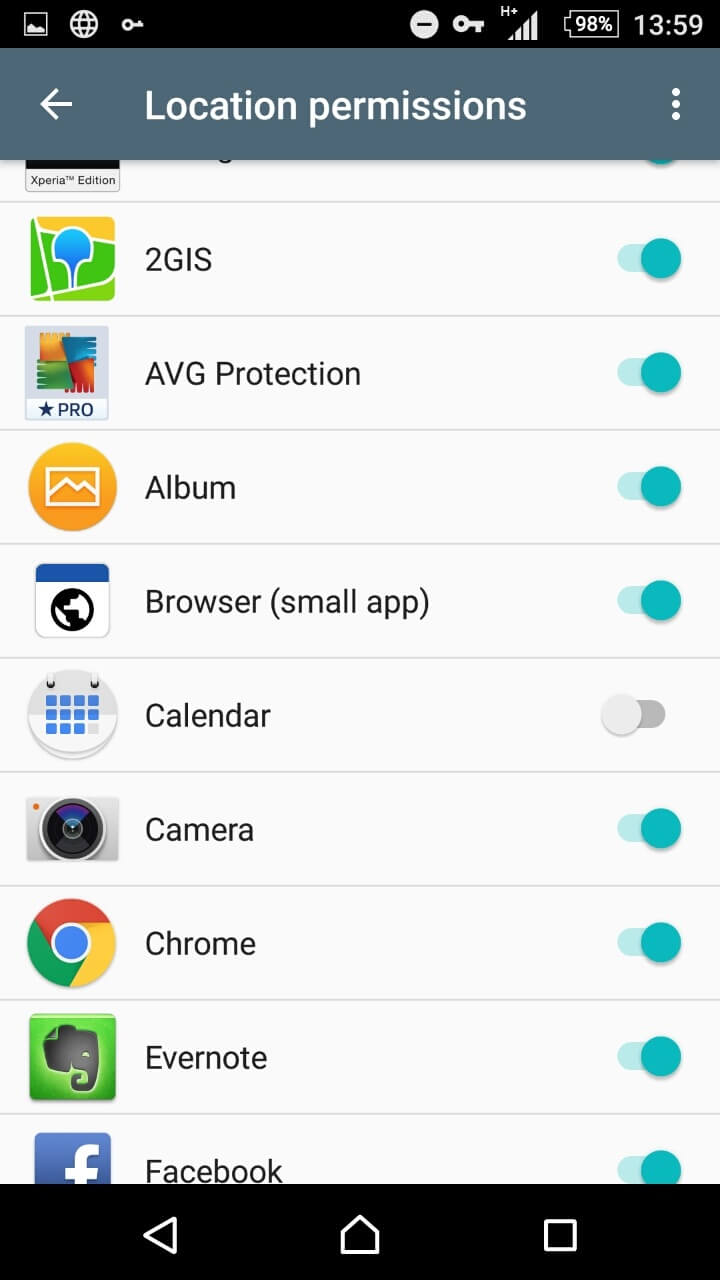
How to Switch on Android
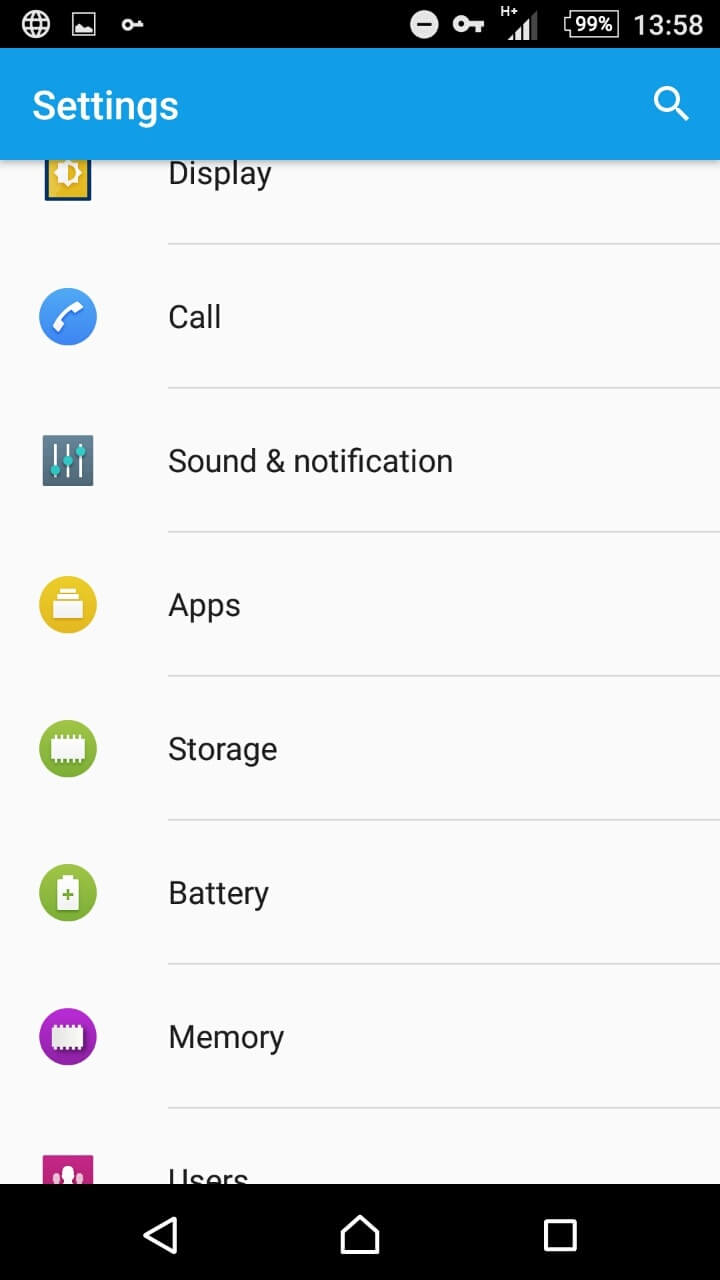
Go to Settings on your phone, select Apps
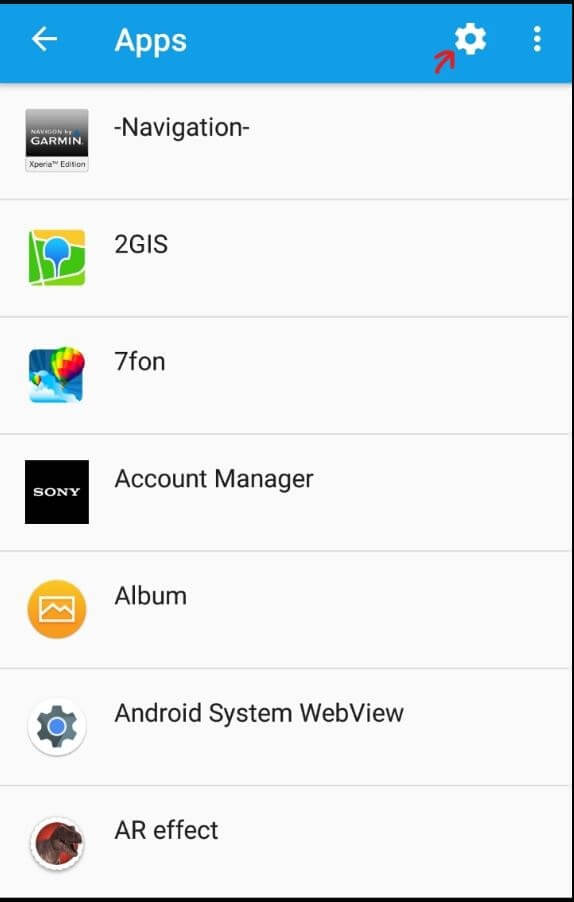
Next, select the icon for the settings:
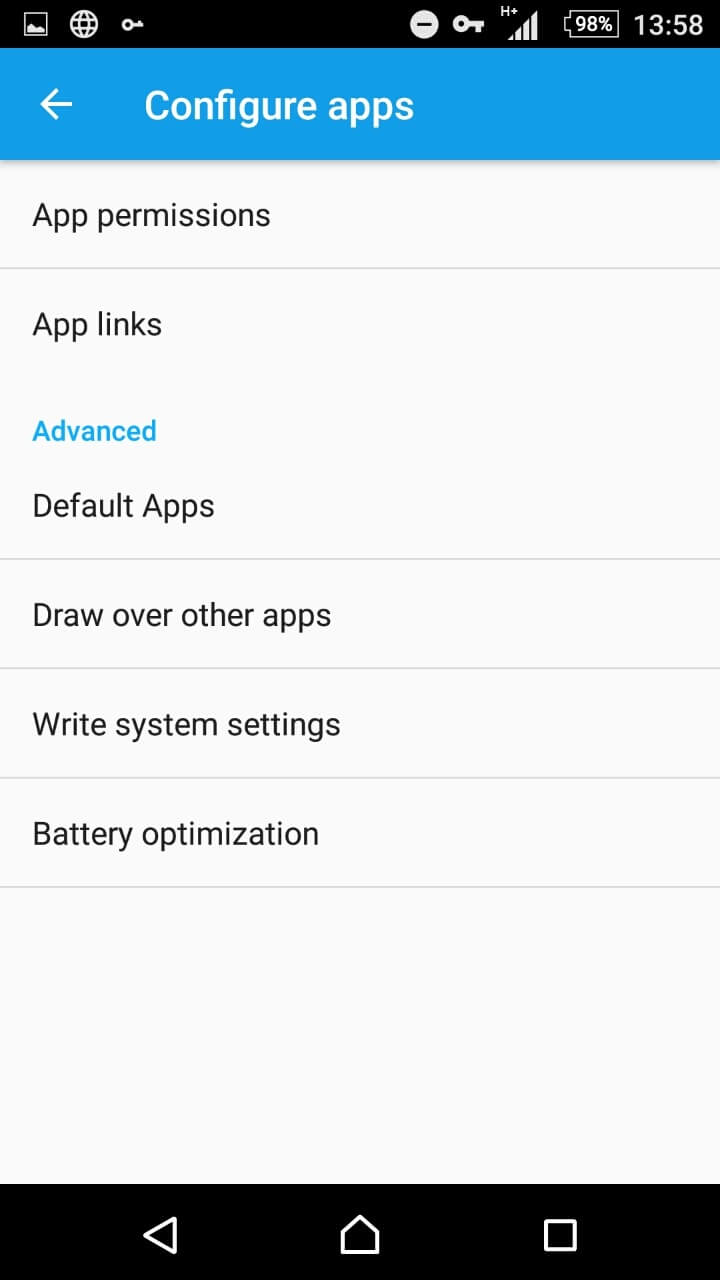
And click on the menu item "App permissions"
Choose the item "Location"
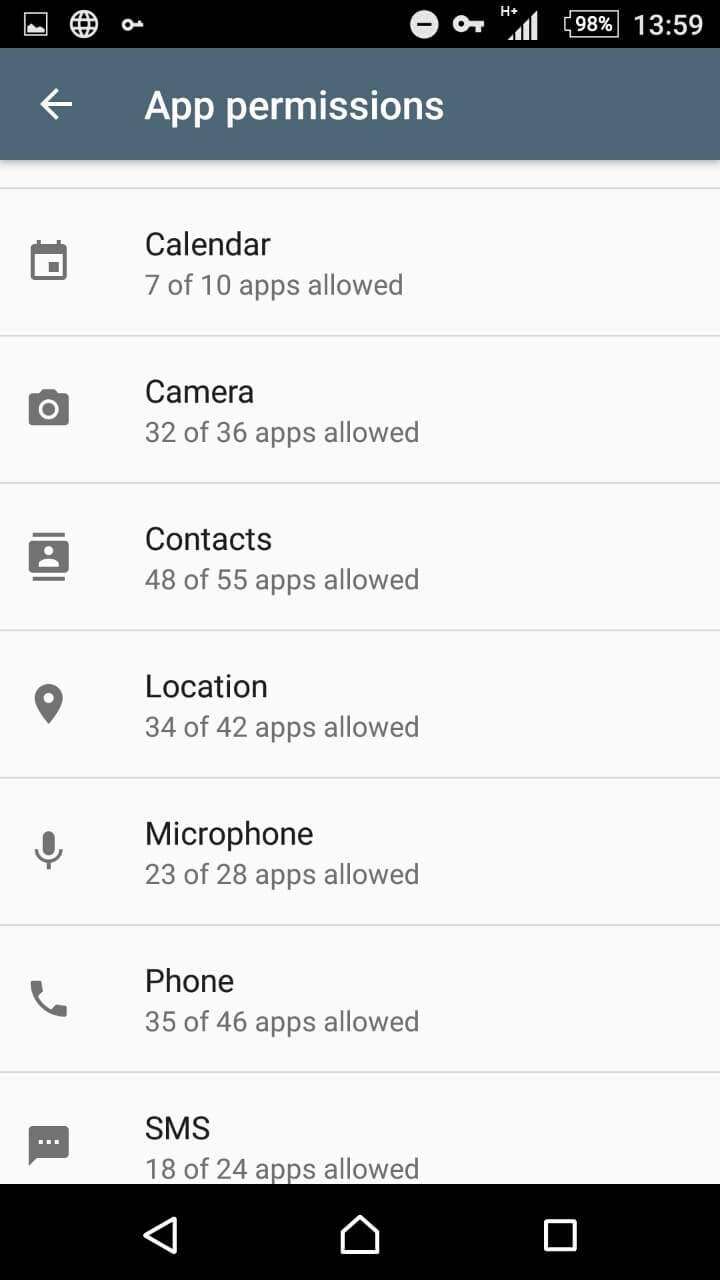
And turn on the camera permission

Lifehack how to use Getmancar crasharing functions. Use the service easy and without problems. How to take photos in Getmancar application

You can take pictures of cars for various purposes. As part of this publication, we would like to talk about the need for photography for your safety and alibi.
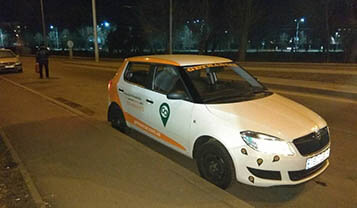
Car damages about which we know, we marked them with a sticker. You do not have to fix these damages, as new ones. But a photo of a car will always help you.